![SciNote_logo_color_2023.png]](https://knowledgebase.scinote.net/hs-fs/hubfs/SciNote_logo_color_2023.png?height=40&name=SciNote_logo_color_2023.png)
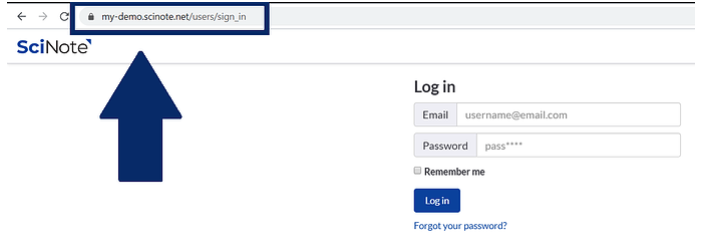
1. Incorrect URL address.
Why can't I log in to SciNote?
If you cannot log in to SciNote, the two most common causes are an incorrect URL and an unsupported browser. Work through the steps below to resolve the issue.
How do I fix SciNote login issues?
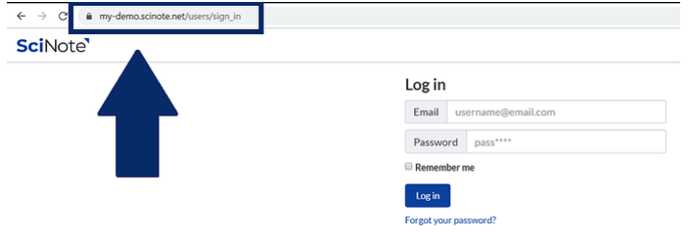
Check your URL. Make sure you and your team are navigating to your dedicated Premium URL (company.scinote.net). See the screenshot below for an example.
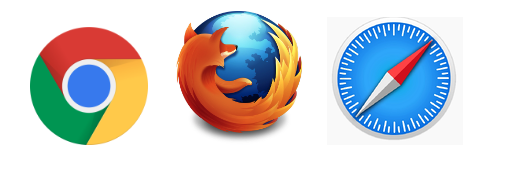
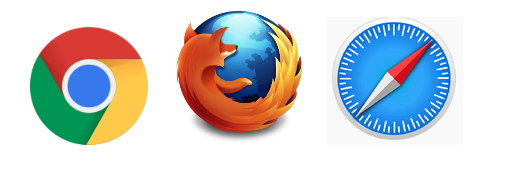
Check your browser. SciNote supports Chrome, Firefox, and Safari. Using a different browser can cause login and display problems. Switch to one of the supported browsers if needed.
Check your credentials. Verify that you are entering the correct email address and password. Passwords are case-sensitive. If you have forgotten your password, click the Forgot password? link on the login page to receive a password reset email.
Confirm your account is activated. If you still cannot log in, check with your team administrator that your account has been activated. New user accounts require administrator approval before the first login.
2. If the URL is correct, then please check which browser you are using. SciNote supports Chrome, Firefox, and Safari. If others are used, you might experience some issues with SciNote.
If you have any additional questions, reach out to us at support@scinote.net. For more information about Premium plans, request a quote