![SciNote_logo_color_2023.png]](https://knowledgebase.scinote.net/hs-fs/hubfs/SciNote_logo_color_2023.png?height=40&name=SciNote_logo_color_2023.png)
This setting is available for Platinum plan user only.
This setting is configured per workspace, so different workspaces within the same organization can have different deletion policies.
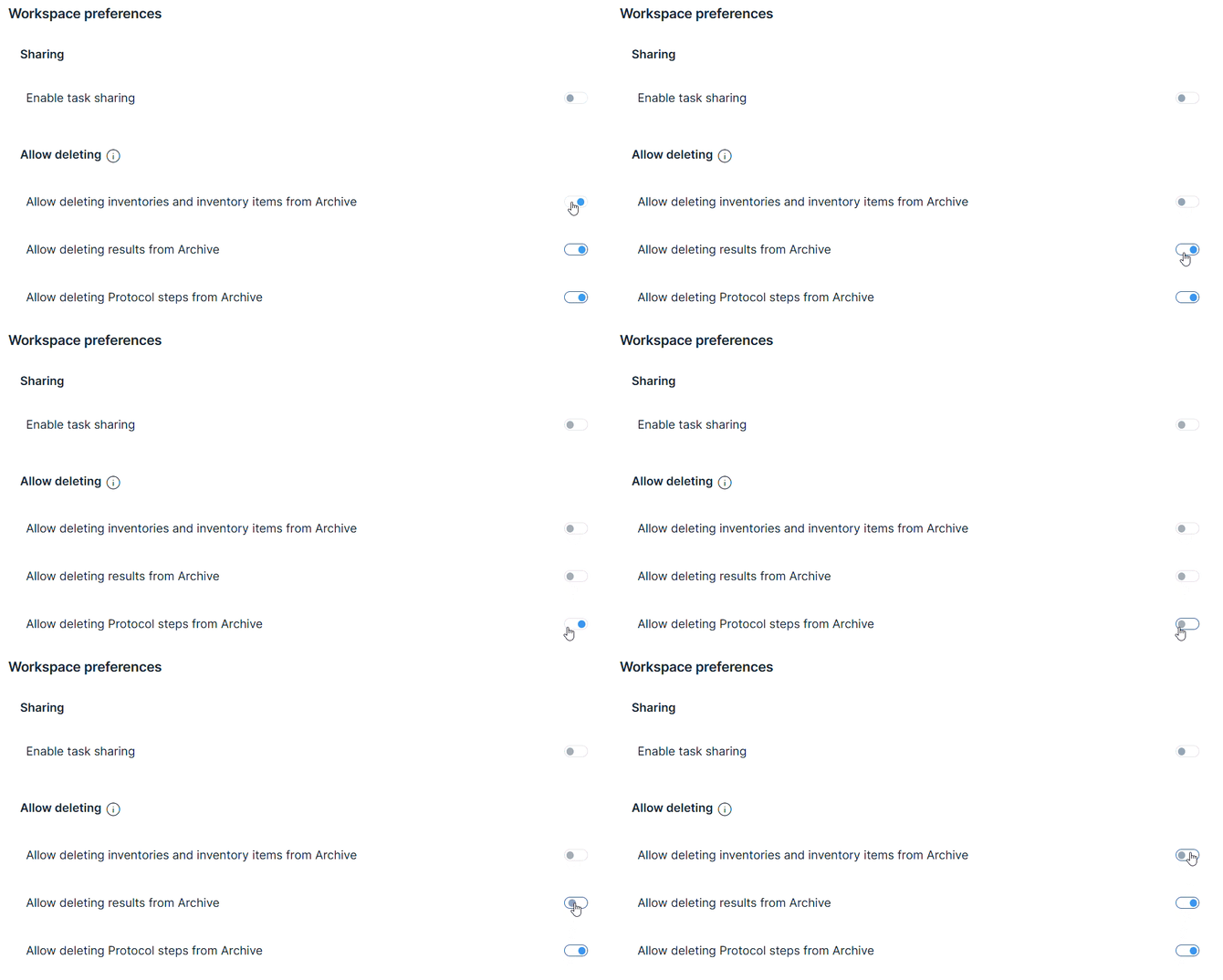
Who can configure this setting
This setting can only be configured by users who are both an organization administrator and a Workspace Owner of the workspace being configured.
What the restriction applies to
When deletion is restricted in a workspace, permanent deletion is prevented for:
- Protocol Steps on Tasks
- Results on Tasks
- Individual content blocks within Steps and Results (text, tables, files, checklists, and forms)
- Inventory items
- Entire Inventories
Once enabled, workspace users will no longer see the option to permanently delete content from the Archive.
Content can still be archived and restored, but not deleted.
What workspace users will see
When deletion is restricted:
- Archived Steps, Results, and content blocks are accessible from the Archive tab on the Task page, where they remain visible and can be restored.
- Archived Inventory items and Inventories are accessible from the Archive in the Inventories section.
- The option to permanently delete content from the Archive is not available.
For information on how to archive and restore Steps and Results, see How to Archive Steps and Results on a Task in SciNote.
Data traceability
SciNote maintains full traceability regardless of deletion settings. Even when content is permanently deleted, records remain accessible via immutable Audit Trails.
If you have any additional questions, contact us at support@scinote.net. For more information about the Premium plans, please request a quote.