![SciNote_logo_color_2023.png]](https://knowledgebase.scinote.net/hs-fs/hubfs/SciNote_logo_color_2023.png?height=40&name=SciNote_logo_color_2023.png)
To set which one is the default view:
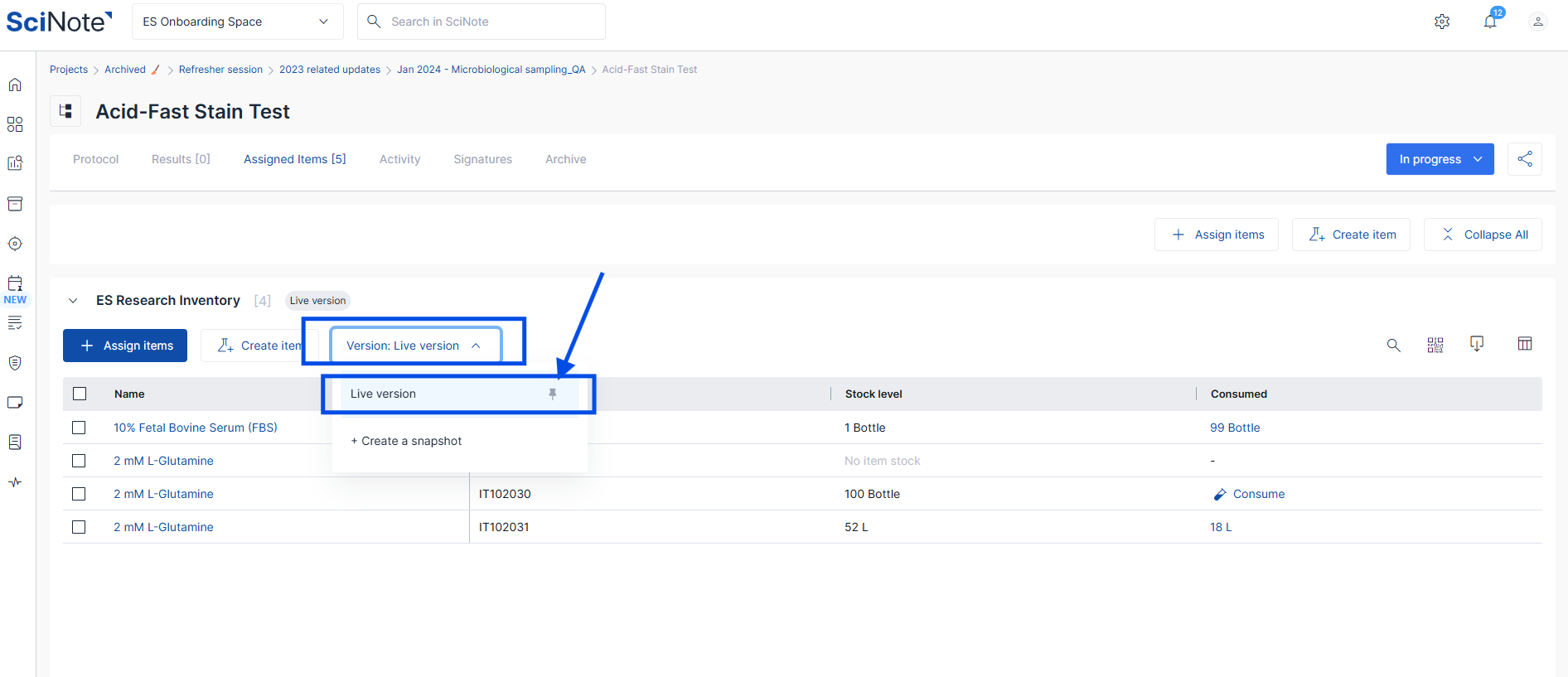
- Go to the Assigned items tab in the task.
- Click the Version button under the inventory name to see the available versions (live and any snapshots).
- Click the pin icon next to the version you want to make the default view for that inventory.
The pinned version becomes the default that everyone sees on the task for that inventory.
You can re-pin a different version at any time while the task is unlocked.
When a task is locked, a snapshot is taken automatically and set as the default view.
If you have any additional questions, please, do not hesitate to contact us at support@scinote.net. For more information about the Premium plans, please request a quote.